Vertical video format (9:16): dimensions, safe zones and export settings per platform
Mobile accounts for 80% of time spent online in France. 9:16 has become the default format for short video, but every platform has its own limits and its own interface zones. Here are the official figures, collected on 23 October 2026.



Contents
9:16: 1080 × 1920, and why it won
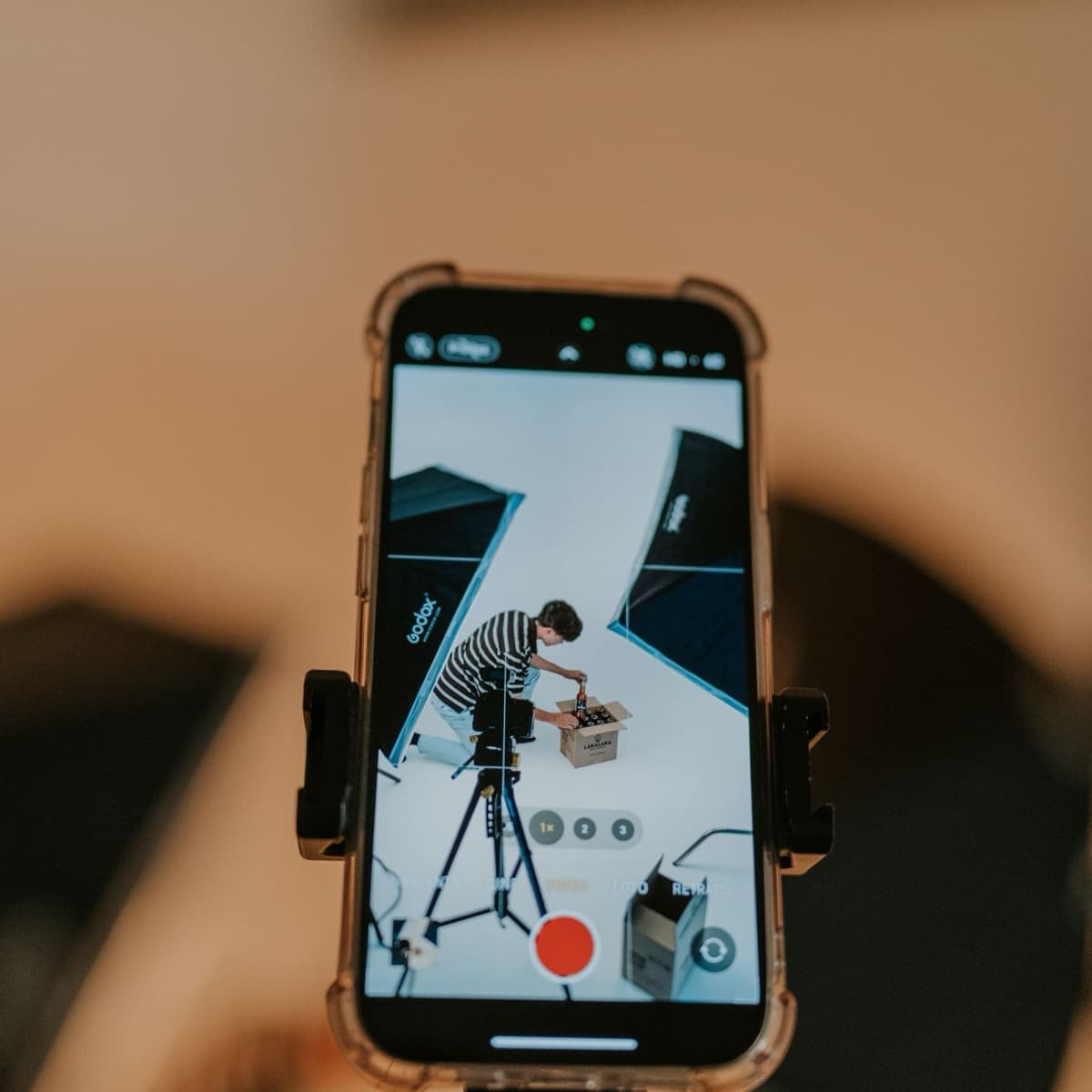
A 9:16 ratio is 16:9 standing up: 9 units wide for 16 high. At vertical 1080p that gives 1080 pixels wide by 1920 high, the screen of a phone held the normal way. YouTube reminds us that “the standard aspect ratio for YouTube on a computer is 16:9” and that a vertical video gets padding there: 9:16 is a format built for the phone, and only for it.
And the phone won. Médiamétrie, in its Internet Year 2025 report: “Mobile use is taking over in a big way; it accounts for 80% of time spent online (and more than 90% among 15- to 24-year-olds)”, with 48.6 million daily internet users in France and more than three hours a day online. Social networks and messaging take 39% of daily browsing, 61% among 15-to-24-year-olds. A short video is therefore watched on a vertical screen, held in one hand, with an interface laid over it.
The specs per platform
| Platform | Ratio and resolution | Duration | File size |
|---|---|---|---|
| YouTube Shorts | Square or vertical; 1080p maximum on upload | 3 minutes maximum for videos uploaded since 15 October 2024 | Not stated |
| TikTok | 9:16 recommended, 540 × 960 minimum (ad specs) | 10 minutes recorded in the app, 60 minutes uploaded | 500 MB maximum (ads) |
| Instagram Reels | Any ratio between 1.91:1 and 9:16, 720 pixels and 30 fps minimum, cover 420 × 654; 1440 × 2560 recommended for ads | Up to 15 minutes (ads) | 4 GB (ads) |
| Facebook Reels | 9:16 recommended, 1440 × 2560 (ads) | No maximum (ads) | 4 GB |
| Ratio from 1:2.4 to 2.4:1, from 256 × 144 to 4096 × 2304; ads in 9:16 up to 1080 × 1920 | 3 seconds (2 on mobile) to 15 minutes | 75 KB to 5 GB | |
| Snapchat | 1080 × 1920, 9:16 | 3 seconds to 30 minutes (ads); 5 seconds minimum on Spotlight | 1 GB maximum |
| X | 9:16 recommended for vertical video ads, 1080 × 1920 maximum, 720 × 1280 minimum | 140 seconds without a subscription; under 4 hours at 1080p with Premium | 512 MB; 16 GB with Premium |
Safe zones: what is official, what is not
The safe zone is the part of the frame the interface does not cover: neither the caption and buttons at the bottom, nor the account name at the top, nor the column of icons on the right. No platform publishes a safe zone for organic videos; the only official templates are for ads, and they are already a good base.
- Google (vertical video ads on YouTube). On a 1080 × 1920 canvas, the safe zone leaves 288 pixels at the top, 672 at the bottom, 192 on the right and 48 on the left, an 840 × 960 pixel rectangle. Google warns: “Overlays, call-to-actions, and buttons may appear in different places depending on the format, campaign type, and screen”. There is no equivalent spec for organic Shorts.
- Meta (Reels ads). “Consider leaving at least 14% of the top, 35% of the bottom, and 6% on each side of your asset free from text, logos, or other important creative elements”. The help page adds to keep “the edges (top, bottom and sides) free of key creative elements”, and 40% at the bottom if the ad carries a disclaimer.
- TikTok. No pixels: “The safe zone size is determined by the dimension (vertical, horizontal, or square), ad caption length, and any additional formats used”, with downloadable templates. And the warning: “Elements that appear out of the safe zone might be covered or cropped”.
- Snapchat. “Keep the top 150px and the bottom 330px of your canvas clear” of any text or logo, one spec for Stories, Spotlight and Commercials.
These four templates say the same thing to within a few pixels: text and faces live in the central band, leaving about 15% at the top, 35% at the bottom and around ten percent on the right. That is what flysub’s preview shows when you turn the zones on: a 14% band at the top (Instagram profile zone), an 18% band at the bottom (Instagram actions zone) and a 12% column on the right (TikTok), so you can check at a glance that the subtitles stay readable once the interface sits on top.
Export settings
| Setting | Recommended value |
|---|---|
| Resolution | 1080 × 1920 (720 × 1280 minimum at Google and X) |
| Container and codec | MP4, H.264 High Profile, progressive scan, 4:2:0 |
| Frame rate | The one it was recorded at; 24, 25, 30, 48, 50 or 60 fps |
| Video bitrate at 1080p | 8 Mbps at 24-30 fps, 12 Mbps at 48-60 fps; 516 kbps minimum at TikTok |
| Audio | AAC-LC, 48 kHz, 384 kbps in stereo |
| File size | At most 500 MB on TikTok, 1 GB on Snapchat, 4 GB on Meta, 512 MB on X without a subscription |
Two habits that avoid bad surprises: export at 1080 × 1920 even if you shot in 4K, because that is the definition platforms serve on mobile; and keep a constant frame rate from shoot to export, because a switch from 30 to 25 fps shows on camera moves.
Going from 16:9 to 9:16 without stretching
A horizontal video holds three times too much width for a vertical screen. Three ways to fit it in, none of which is stretching it.
- Crop on the face. Keep the central column around the person speaking. Ideal for an interview or a talking head; impossible when two people sit at the two edges of the frame.
- Split screen. Two people stacked, one on top, one below, each cropped on their face. It is the natural format of a two-person podcast or debate.
- Bars. The 16:9 video in the centre, with a blurred or plain background above and below. Acceptable for a wide shot or a screen, to be avoided on a face that becomes tiny.
flysub picks between the first two automatically: each clip is cropped on the person speaking, and switches to a split screen when two people talk. Subtitles sit by default between 65% and 78% of the height depending on the style, above the button area, and the preview shows the interface zones so you can check the result before export. The full walkthrough is in our guide to making Shorts from a long video.
Common mistakes
- Text in the bottom 35%. That is the caption and button area on every platform. Subtitles go above it.
- A stretched 16:9 video. Faces get longer and everyone can see it. Crop or switch to a split screen.
- An upscaled 720p export. Upscaling adds no detail; export at the definition you shot, capped at 1080 × 1920.
- Three empty opening seconds. That is when the thumb decides. flysub tolerates at most two seconds of silence in the first three seconds of a clip; beyond that, the clip starts at the next sentence.
- One file for every platform, without checking durations. A 3-minute clip works as a Short but not on X without a subscription (140 seconds).
For the readability of the subtitles themselves (number of lines, characters, speed), see our complete guide to video subtitles.
Frequently asked questions
Which resolution for a Short, a Reel or a TikTok?
1080 × 1920 pixels in 9:16 works everywhere: it is the maximum YouTube accepts for a Short, the value Snap and X ask for, and more than TikTok’s (540 × 960) and Instagram’s (720 pixels) minimums. Meta recommends 1440 × 2560 for Reels ads only.
Where should text and subtitles go?
In the central band: the official ad templates leave about 15% free at the top, 35% at the bottom and around ten percent on the right (Google: 288 px top, 672 bottom, 192 right, 48 left on 1080 × 1920; Meta: 14%, 35%, 6% on each side; Snap: 150 px top, 330 bottom).
Can I post a 16:9 video as a Reel or a Short?
Instagram accepts any ratio between 1.91:1 and 9:16, so yes for a Reel, but the video will sit small in the middle of the screen. YouTube only classifies square or vertical videos of up to 3 minutes as Shorts: a 16:9 video stays a regular video.
What is the maximum length of a vertical video?
3 minutes for a Short; 10 minutes recorded in the app or 60 minutes uploaded on TikTok; up to 15 minutes for a Reels ad; 15 minutes on LinkedIn; 140 seconds on X without a subscription. A 15-to-90-second clip works everywhere.
Is there an official safe zone for YouTube Shorts?
No, not for organic Shorts. The only template Google publishes is for vertical video ads: an 840 × 960 pixel safe zone on a 1080 × 1920 canvas, with 288 pixels free at the top and 672 at the bottom. It is a reasonable reference for Shorts.