Video subtitles: the complete guide (formats, readability, styles, tools)
In the United States, nearly half of all hours watched on Netflix are watched with subtitles, and more than a billion people watch YouTube videos with captions on every day. Here is what you need to know to subtitle a video properly, from the file format to the length of a line.



Contents
Subtitles, captions, open, closed: the words
The W3C, which writes the web’s standards, separates two things. Captions are “a text version of the speech and non-speech audio information needed to understand the content”, in the language of the audio; subtitles are the translation into another language. Captions are “open” when they are “always displayed and cannot be turned off”, and “closed” when they “can be hidden or shown by people watching the video”. In everyday use, “subtitles” covers both, and “SDH” (subtitles for the deaf and hard of hearing) is the version that also describes sounds and music.
| Burned in (open) | Separate file (closed) | |
|---|---|---|
| Can be turned off | No: they are part of the picture | Yes, by the viewer |
| Style | Whatever you decide: font, colour, animation | The platform player’s own |
| Formats | MP4 with the text in the picture; transparent MOV for editing | SRT, WebVTT, TTML, SCC… |
| Where it works | Everywhere, with no setting | Where the platform accepts a file (YouTube, LinkedIn…) |
| Accessibility | Readable by everyone, not by screen readers | Text usable by screen readers and search engines |
The most common file format is SRT: a plain text file where each subtitle has a number, a timestamp in the form hours:minutes:seconds,milliseconds, one or two lines of text, then a blank line; there is no official standard for its character encoding. WebVTT is its W3C-standardised equivalent for the web, with text positioning, still a Candidate Recommendation Draft in May 2026. YouTube accepts both, plus a dozen other formats (SBV, TTML, DFXP, SCC, EBU-STL…), and notes for SRT that “only basic versions of these files are supported”.
Why subtitle: the figures that hold up
The figure everyone quotes, “85% of videos are watched without sound”, comes from a Digiday article of May 2016: “as much as 85 percent of video views happen with the sound off, according to multiple publishers”. Those were publishers’ statements about Facebook, at a time when a view counted at three seconds, with no published methodology, and it says nothing about YouTube or TikTok. Facebook published its own numbers the same year, about its ads: “41% of videos were basically meaningless without sound”, and captioned ads gained 12% of view time in its internal tests.
The recent data comes from the platforms themselves. Netflix: “more than 40% of viewing hours happen with subtitles (including SDH) across the globe” in May 2023, then “nearly half of all viewing hours on Netflix in the US happen with subtitles or captions on” in April 2025. YouTube, in March 2023: more than six billion captioned videos and “more than one billion users watching videos with captions enabled every day”.
In the UK, the regulator Ofcom compiled broadcasters’ data: subtitle use “ranged from roughly 5% to 20% of viewing” depending on the service, higher among under-24s, and a 2023 YouGov poll found 61% of 18-to-24-year-olds prefer subtitles switched on. The 2021 Stagetext survey (2,003 people) went further: “four out of five viewers aged 18-25” said they use subtitles all or part of the time. The BBC sums it up: around 10% of broadcast viewers use subtitles regularly, up to 35% for some online content, and “the majority of these viewers are not hard of hearing”. For France there is no equivalent public data; in 2025 Ifop measured a preference for subtitled original versions among 26% of French people and 43% of 18-to-24-year-olds, which is about dubbing, not about turning captions on.
Then there is accessibility, which depends on no poll. Success criterion 1.2.2 of WCAG 2.2, at level A, requires that “captions are provided for all prerecorded audio content in synchronized media”. In Europe, the European Accessibility Act (Directive 2019/882) has applied since 28 June 2025 to a list of services, including services providing access to audiovisual media, e-commerce and e-books, and requires that subtitles for the deaf and hard of hearing be “fully transmitted with adequate quality”; pre-recorded media published before that date is excluded. It is not an obligation for a creator’s video; it is the framework for the services that distribute them.
Broadcasters’ readability rules
Broadcasters’ style guides are the best base there is: they were written for people who read subtitles eight hours a day. Three references, including a French one.
| Rule | BBC (2026) | Netflix, French | French charter (2011) |
|---|---|---|---|
| Lines | 2 in 16:9, 3 at most in vertical 9:16 | 2 at most | 2 for pre-recorded, 3 for live |
| Characters per line | 37 on television; the equivalent of about 25 in 9:16 | 42 | — |
| Speed | 160 to 180 words per minute | 17 characters per second (13 for children) | 12 characters for 1 s, 20 for 2 s, 36 for 3 s, 60 for 4 s |
| Duration | At least 0.3 s per word (1.2 s for four words) | 20 frames minimum, 7 s maximum, 2 frames between subtitles | — |
| Colours | White on black by default | — | White for the visible speaker, yellow off-screen, red for sounds, magenta for music, cyan for voice-over, green for a foreign language |
For a vertical video, remember two numbers: two lines and short words. flysub hard-codes these rules: a subtitle never exceeds two lines, segments are about four words, and every word is timed to its own pronunciation. In French, the narrow no-break space is added automatically before “?”, “!”, “:” and “;”, which the platforms’ automatic captions do not do.
Styles for short-form video
On a Short, a Reel or a TikTok, the subtitle is no longer a reading aid: it is an editing element. Three families cover most needs.
- Classic. White on a dark background, two lines, no animation. For interviews, podcasts and serious subjects: the text should not draw attention to itself.
- Karaoke, word by word. Each word lights up as it is spoken. It holds the eye on the rhythm of the voice; it is the style of tutorials and talking-head videos.
- Highlighted keywords. Capitals, one word in colour, sometimes an emoji. It ranks the message for the viewer: effective on a promise or a number, to be avoided on a speech you do not want to steer.
Whatever the style, the text stays in the area the interface does not cover: above the buttons, below the account name. The dimensions are in our guide to the 9:16 format. With flysub, the 10 styles switch with one click, and the preview is the render: what you see in the editor is, pixel for pixel, what the MP4 contains.
Four ways to add subtitles
1. The platforms’ automatic captions
YouTube generates automatic captions for dozens of languages, but warns: “Automatic captions may not be ready at the time that you upload a video”, and “Always review automatic captions and edit any parts that haven’t been properly transcribed”. TikTok launched its auto captions in April 2021, first in American English and Japanese; today, “captions will be automatically generated for videos that you upload”, with text the creator can edit and the viewer can turn off. Instagram “uses speech recognition technology to automatically create closed captions for Reels”, a setting that is not available on computers. Free, closed, in the platform’s style, and never reviewed for you.
2. An SRT or WebVTT file uploaded with the video
On YouTube, you upload the file in the video’s subtitles: the text is indexed, translatable by the platform, and the viewer can turn it on. It is the right route for a long video. Its weakness for short-form: the style is the player’s, and the viewer has to turn it on.
3. Your editing software
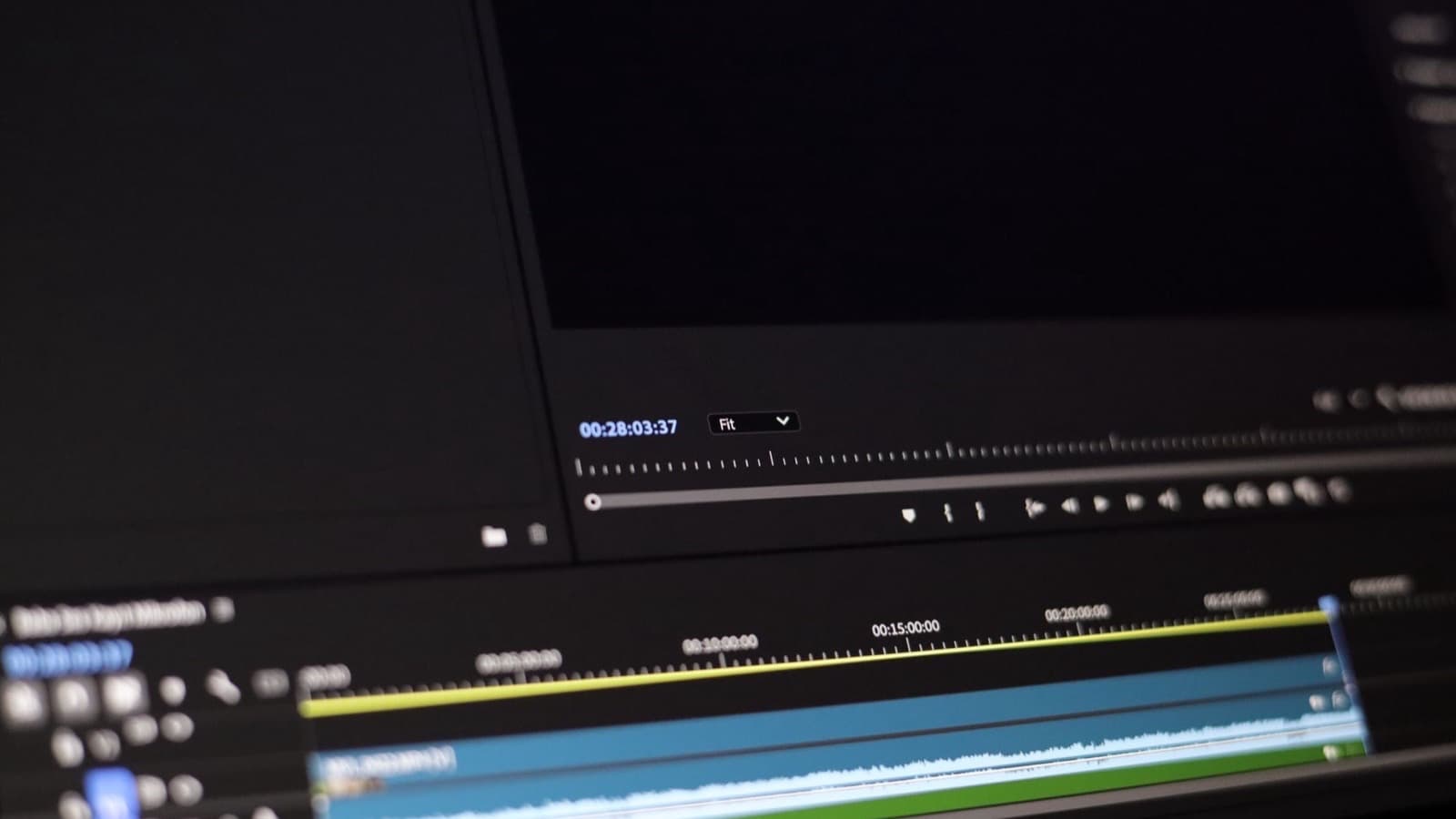
Premiere Pro, DaVinci Resolve or Final Cut transcribe and lay down a caption track that you style frame by frame. It is precise and slow; for Premiere, flysub exports a transparent caption track to drop on your timeline, so you do not rebuild the style for every video.
4. An AI tool that transcribes and burns in
With flysub: upload up to 10 videos at once, pick the spoken language among eight (French, English, Spanish, Portuguese, German, Italian, Dutch, Arabic) or leave automatic detection on; the transcription is word by word, you fix it in the editor (a word, an emoji, a highlighted word), then export an MP4 with burned-in subtitles, or a transparent ProRes 4444 MOV for your edit on the paid plans. The free trial gives you 3 videos of up to 180 seconds, exported as MP4 with a watermark. Two limits to know: flysub does not translate, and does not export an SRT file yet.
The mistakes that cost views
- Three lines or more. The viewer reads instead of watching, then drops off. Two lines, short segments.
- Unreviewed automatic captions. Proper nouns, numbers and foreign words in a sentence are the first to break. Review at least those.
- Text under the buttons. The bottom of the screen is covered by the caption and the interface icons. Move the subtitles up.
- An animated style on serious content. A testimony or a political speech does not need highlighted keywords: they steer the reading.
- Half a second of offset. A subtitle that runs early reveals the sentence before the voice; one that runs late makes people re-read. Timing is done per word, not per sentence.
- Forgotten punctuation. Without a full stop or a comma, two segments read as one sentence. Typography counts too: in French, a narrow space before “?” and “!”.
Frequently asked questions
What is the difference between subtitles and captions?
For the W3C, captions transcribe speech and the sounds needed to understand the content, in the language of the audio; subtitles are the translation into another language. In everyday use “subtitles” covers both, and “SDH” is the version that also describes sounds.
SRT file or burned-in subtitles: which one?
Both. For a long video on YouTube, an SRT or WebVTT file: indexable, translatable, switchable. For a Short, a Reel or a TikTok, subtitles burned into the picture: they show everywhere, in the style you chose, with nothing for the viewer to turn on.
How many characters per line?
Netflix sets 42 characters per line in French and 17 characters per second; the BBC counts 37 characters on television and the equivalent of about 25 in vertical 9:16. For short-form video, two lines of a few words are enough.
Are YouTube’s or TikTok’s automatic captions enough?
Not without a review: YouTube itself asks you to always check automatic captions. They are free, closed, in the platform’s style, and the errors land on proper nouns and numbers.
Does flysub export an SRT file? Does it translate?
Not yet for SRT: flysub exports subtitles burned into the video (MP4) or on a transparent background (ProRes 4444 MOV, paid plans). And no, it does not translate: it subtitles what is said, in the language of the video, among eight languages.