Video podcast on YouTube: how to launch the video version of your podcast (format, cameras, clips)
YouTube has become the most used podcast platform in the United States, and nearly one in two daily listeners in France often picks the filmed version. Here is how to take your podcast to video without losing your weekends.


Contents
Why film your podcast in 2026
The numbers are clear. YouTube reports more than one billion monthly active viewers of podcast content, as of January 2025, and calls itself “the most frequently used service for listening to podcasts in the U.S.”. The reference study on the American market, Edison Research’s The Infinite Dial 2026 (a national survey of 2,050 people aged 12 and over, January 2026), counts 58% of Americans who consumed a podcast in the past month, and 57% who have both listened to and watched one. Among weekly consumers, 39% use YouTube most often, against 20% for Spotify and 11% for Apple Podcasts in Q4 2025; the October 2026 update keeps YouTube first, with Spotify at 17% and Apple Podcasts at 9%.
Podcasts are watched on the television too: 700 million hours of podcasts were watched on living room devices in October 2025, up from 400 million a year earlier. The other platforms are following. Spotify says more than 500 million users have streamed a video podcast, up nearly 50% year over year (May 2026), and Apple Podcasts has supported video since spring 2026.
In France, Médiamétrie’s L’Année Audio 2025-26 counts “nearly one in two French people (48%)” listening to podcasts every month, 9 points more than three years ago, and “47% of daily Podcast listeners say they often choose the video version of this content”. Arcom, the French media regulator, notes that the television set has become YouTube’s third screen (66% of users), that half of the French population uses YouTube every week, and that 77% of its users watch videos longer than 30 minutes. An hour-long episode is no longer a handicap on YouTube: it is the format these screens ask for.
What a podcast is, for YouTube
YouTube has no separate podcast format: “On YouTube, a podcast show is a playlist, and podcast episodes are videos in that playlist”. You turn it on in YouTube Studio: Content, Playlists, then Options and “Add podcast features”, with a square 1,280 × 1,280 pixel thumbnail recommended. In return: inclusion in YouTube Music (background listening and downloads for most content), a podcast badge on watch and playlist pages, and possible promotion on youtube.com/podcasts, with no guarantee of eligibility.
There is a lazy route: the RSS feed. From Studio (Create, New podcast, Submit RSS feed), YouTube builds a static-image video from your show art and uploads it to your channel on your behalf, in a list of countries that includes France. The limits are written down: the podcast is only available on YouTube and YouTube Music, metadata changes and re-uploaded audio files are not synced, and ads embedded in the content are not allowed. YouTube itself suggests, if you do not use an RSS feed, “a third-party tool to help convert audio podcasts into videos”.
The RSS feed gives you a minimal presence. The filmed version is what those 47% are looking for: faces, reactions, and clips that go on to live on short-form platforms.
Filming: the minimal setup that lasts
I edited podcasts for seven years. The setup that survives episode 30 is not the prettiest one, it is the one that needs the fewest adjustments. Here is the minimum that does not make you regret the result.
- Audio first. One microphone per person and one track per microphone. If all you have is a mixed recording, Speaker Split separates it into one 48 kHz WAV track per person, aligned with the original, from an audio or video file of up to 3 hours and 2 GB, with automatic detection or 2 to 6 voices; it is included in the paid plans and the tracks stay available for 30 days.
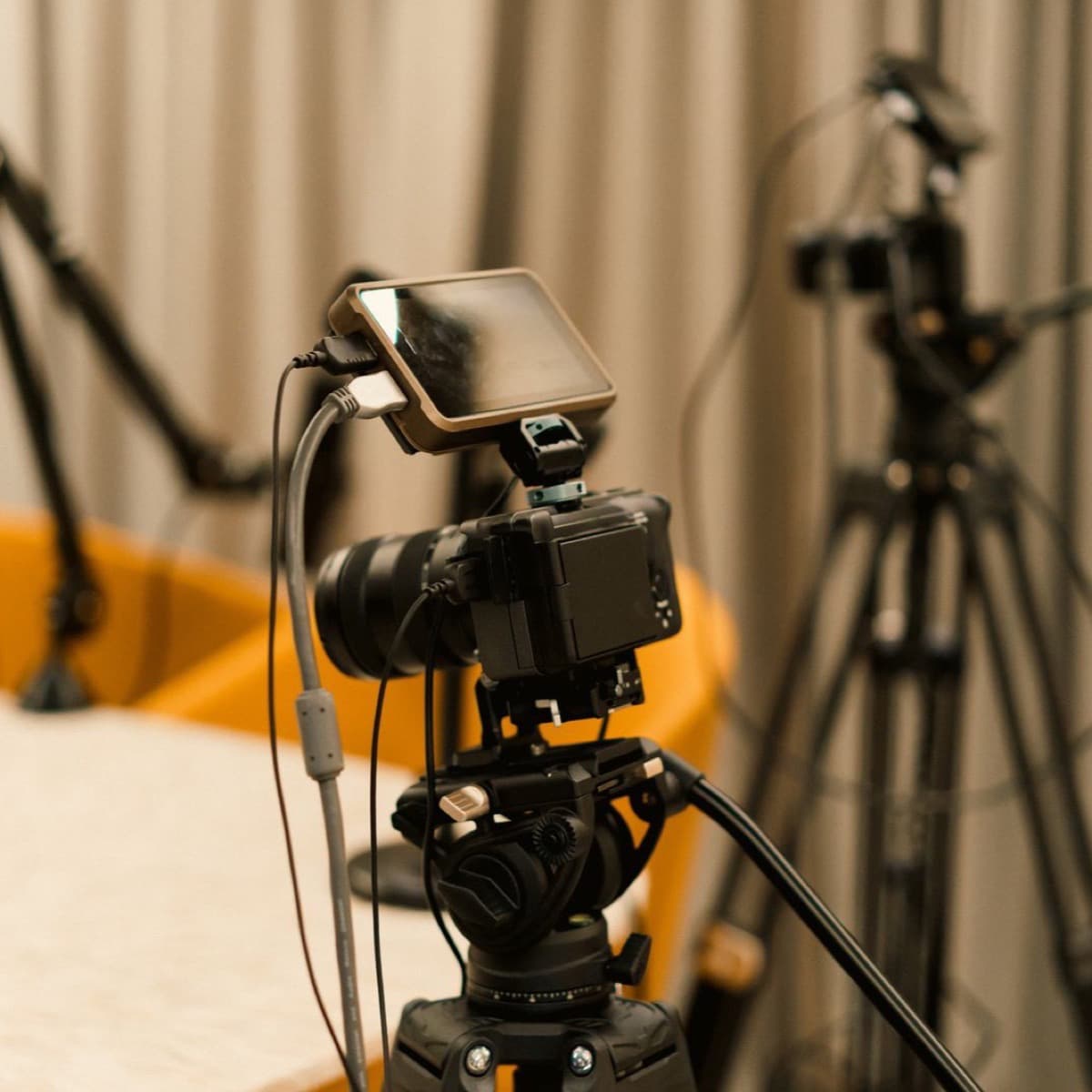
- Cameras. One per person plus a wide shot: three for two people, four for three. With a single camera, a fixed wide shot is enough to start; the vertical reframe will isolate each face when you cut clips.
- Frame rate. The one you will keep at export: YouTube asks that content be “encoded and uploaded in the same frame rate it was recorded”, and lists 24, 25, 30, 48, 50 and 60 frames per second as common values. In Europe, 25 fps is the simple choice; in North America, 30.
- Framing. Leave headroom and keep each person in the centre of their shot: the 9:16 reframe crops the sides, never the centre.
- The clap. One hand clap at the start of the recording, and every track lines up to the frame in the edit.
Editing: multicam, chapters, export
Editing a podcast comes down to one rule: the camera follows whoever is speaking, and the wide shot is for laughter, reactions and the moments when everyone talks at once. Cut the dead air, not the breaths; a podcast edited like a Short becomes tiring by minute ten.
Chapters make the episode navigable and live in the description: a list of timestamps, the first at 00:00, at least three in ascending order, and a minimum of 10 seconds per chapter. YouTube can also generate them automatically, and you can opt out of automatic chapters in Studio.
| Setting | YouTube recommendation |
|---|---|
| Container | MP4 |
| Video | H.264, progressive scan, High Profile, 4:2:0 chroma subsampling |
| Frame rate | The one it was recorded at |
| Video bitrate at 1080p (SDR) | 8 Mbps at 24, 25 or 30 fps; 12 Mbps at 48, 50 or 60 fps |
| Video bitrate at 2160p (SDR) | 35 to 45 Mbps; 53 to 68 Mbps at high frame rates |
| Audio | AAC-LC (or Opus), 48 kHz, 384 kbps in stereo |
Cutting clips: the episode is a goldmine of Shorts
An hour of conversation holds dozens of moments that stand on their own. The rule for finding them: a clip starts and ends on a complete sentence, keeps the question with the answer, and runs between 15 and 90 seconds, because a complete idea often takes more than a minute. The detailed method is in our guide to video clipping.
With flysub, paste the episode’s YouTube link or upload the file (3 hours maximum): the AI suggests 15-to-90-second clips cut on complete sentences, roughly one clip per 5 minutes of video, then “5 more clips” on every click as long as the episode has some left. When two people are talking, the clip switches to a split screen instead of reframing on a single face; each clip is captioned word by word in one of 10 styles and exported as a 9:16 MP4.
When you publish a Short, attach the episode as its “related video” in YouTube Studio: a clickable link appears below your handle in the player. It is the only link in a Short that leads back to the long video; the steps are in our guide to making Shorts from a long video.
And beyond YouTube?
- Spotify. The Spotify Partner Program, which pays for Premium video engagement and advertising, has been open in France since 2025. Since January 2026 the thresholds are 1,000 engaged audience members and 2,000 hours consumed over 30 days, with 3 published episodes. The catalogue held “nearly half a million” video podcasts in November 2025.
- Apple Podcasts. Video is delivered via HLS by your hosting provider, “just as your audio is today”, and paid subscriptions remain audio-only for now; in September 2026 Apple announced video in subscriptions “in the coming months”, with no date.
- One master file. Edit once in 16:9, export to each platform’s settings, and cut the vertical clips from the same file.
The checklist before your first filmed episode
- One microphone per person, separate tracks (or Speaker Split afterwards).
- One camera per person plus a wide shot, at the frame rate you will export.
- One hand clap at the start to sync.
- Multicam edit: the camera follows who is speaking, cut the dead air, keep the breaths.
- Chapters in the description: 00:00, at least three, 10 seconds minimum.
- Export MP4 H.264, AAC audio at 384 kbps, then a playlist with “podcast features” and a square 1,280 × 1,280 thumbnail.
- 15-to-90-second captioned clips, linked to the episode through the related video.
Frequently asked questions
What exactly is a YouTube podcast?
A playlist with “podcast features” added in YouTube Studio. The episodes are the videos in that playlist. In return, the show can appear in YouTube Music with background listening, carry a podcast badge and be promoted on youtube.com/podcasts.
Do I really need to film, or is an RSS feed enough?
The RSS feed publishes a static-image video that YouTube builds from your show art: a minimal presence, with no sync of your edits and no embedded ads. The filmed version is the one 47% of daily listeners in France often choose, and the only one that yields clips with faces in them.
Which export settings for YouTube?
MP4, H.264 video at the frame rate you recorded, 8 Mbps at 1080p for 24 to 30 fps (12 Mbps at 50 or 60 fps), AAC-LC audio at 48 kHz and 384 kbps in stereo. Those are YouTube’s official recommendations.
How do I cut clips from my podcast?
Pick moments that start and end on a complete sentence, keep the question with the answer, and run 15 to 90 seconds. With flysub, paste the episode link: the clips are suggested on complete sentences, split-screen when two people talk, captioned and exported in 9:16.
My recording is mixed on a single track. Can it be fixed?
Yes. Speaker Split separates a mixed audio or video file into one 48 kHz WAV track per person over the full duration, with automatic detection or 2 to 6 voices. It is included in flysub’s paid plans and uses the same minutes as clipping.